Each time, the stages, roles and reports come from how that company works. We describe each project under the same three headings: the need, the solution, how it works.
P
Puento
sales panel
OPERATIONS
Cockpit
Leads / CRM
Calendar
Offers
Projects
TEAM
Team
People
MONEY
Finance
Report
CHANNEL
Agencies
WhatsApp3
E
Elif
Manager
⌘K
North Homes
Cockpit · September
Elif · Manager
86
open leads.
12 new came in today, 5 appointments.
First call · today's median 9 min
New today
12
since midnight
Agency contacts
18
live counter
Calls made
64
live counter
Appointments today
5
2 completed
Reports missing
1
yesterday's report
New agencies
3
awaiting review
DISTRIBUTION
Where leads pile up
14
New
18
No answer
CONTACT
21
Interested
13
Follow-up
INTEREST
9
Booked
6
Visited
VISIT
3
Offer
2
Sale
MONEY
FRESHNESS
Since last contact
0–3 days
35
41%
4–7 days
21
24%
8–14 days
17
20%
15–30 days
9
10%
30+ days
4
5%
TODAY
5 appointments
10:30
Selin Y.
Site tour
B
Baran
Showed up
11:30
Kaan D.
Meeting
E
Elif
Showed up
14:00
Zeynep B.
Site tour
E
Elif
Waiting
09:41
B
Hello Baran
29 September · North Homes
CALLS
11
CONTACTS
14
MEETINGS
2
Today
Stages
Snoozed (3)
11 leads handled today
11/20 calls
TO CALL TODAY (3)
Deniz K.
3 days ago
Hot · 1st call ·INTERESTED
Call back: 11:00
Call
WhatsApp
Save result
Ece T.
yesterday
Warm · 2nd call ·FOLLOW-UP
Call
WhatsApp
Save result
Mert A.
5 days ago
Hot · 1st call ·NO ANSWER
Call
WhatsApp
Save result
Leads
Calendar
Units
Agency
My day
Illustrative screen. All data is fictional.
Sales and operations platform
Puento
The sales team’s whole day, in one panel.
A team that markets real-estate projects keeps lead tracking, appointments, offers, field work, finance and reporting in one panel. Managers work from the desktop, the field team from their phones.
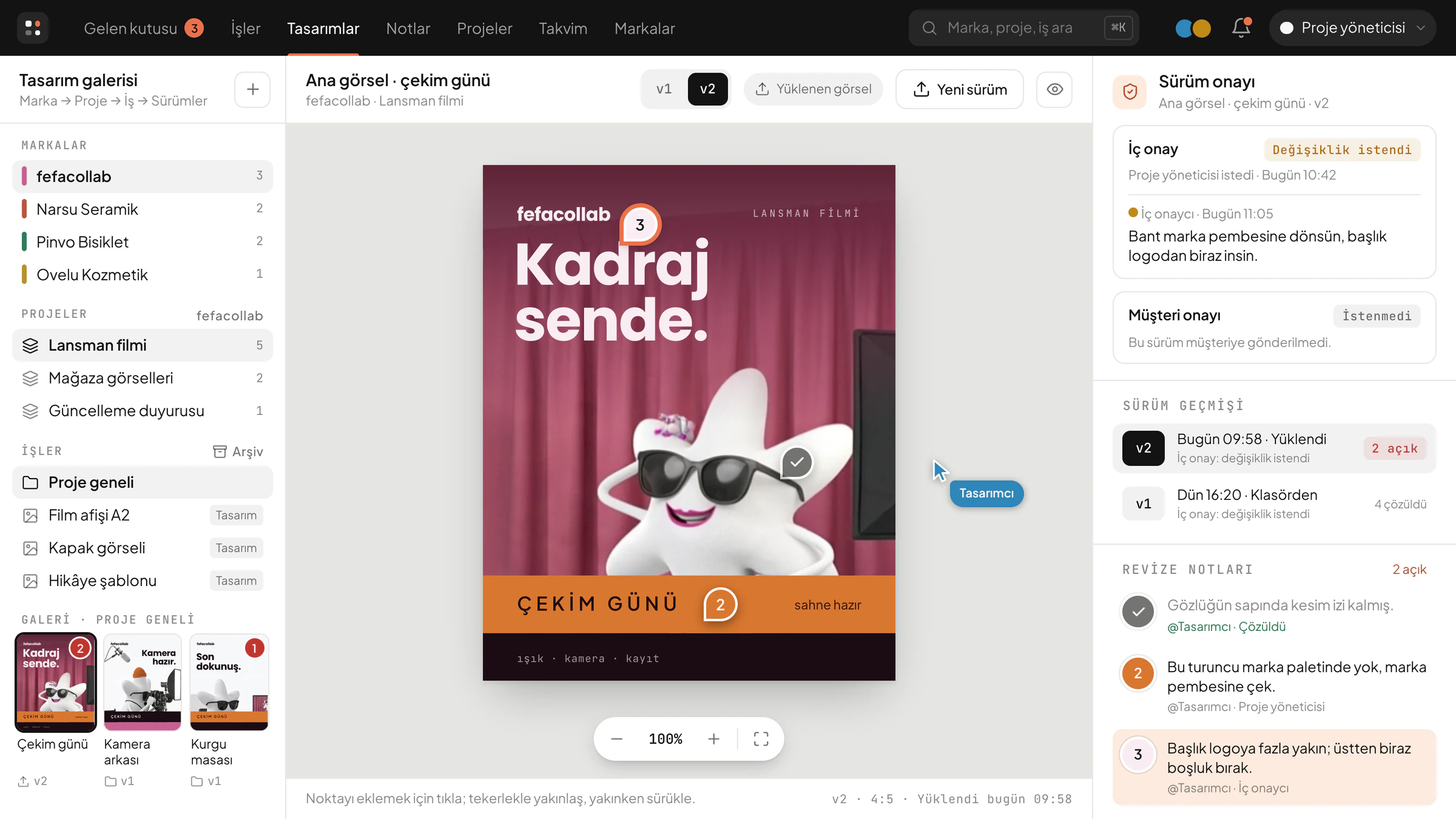
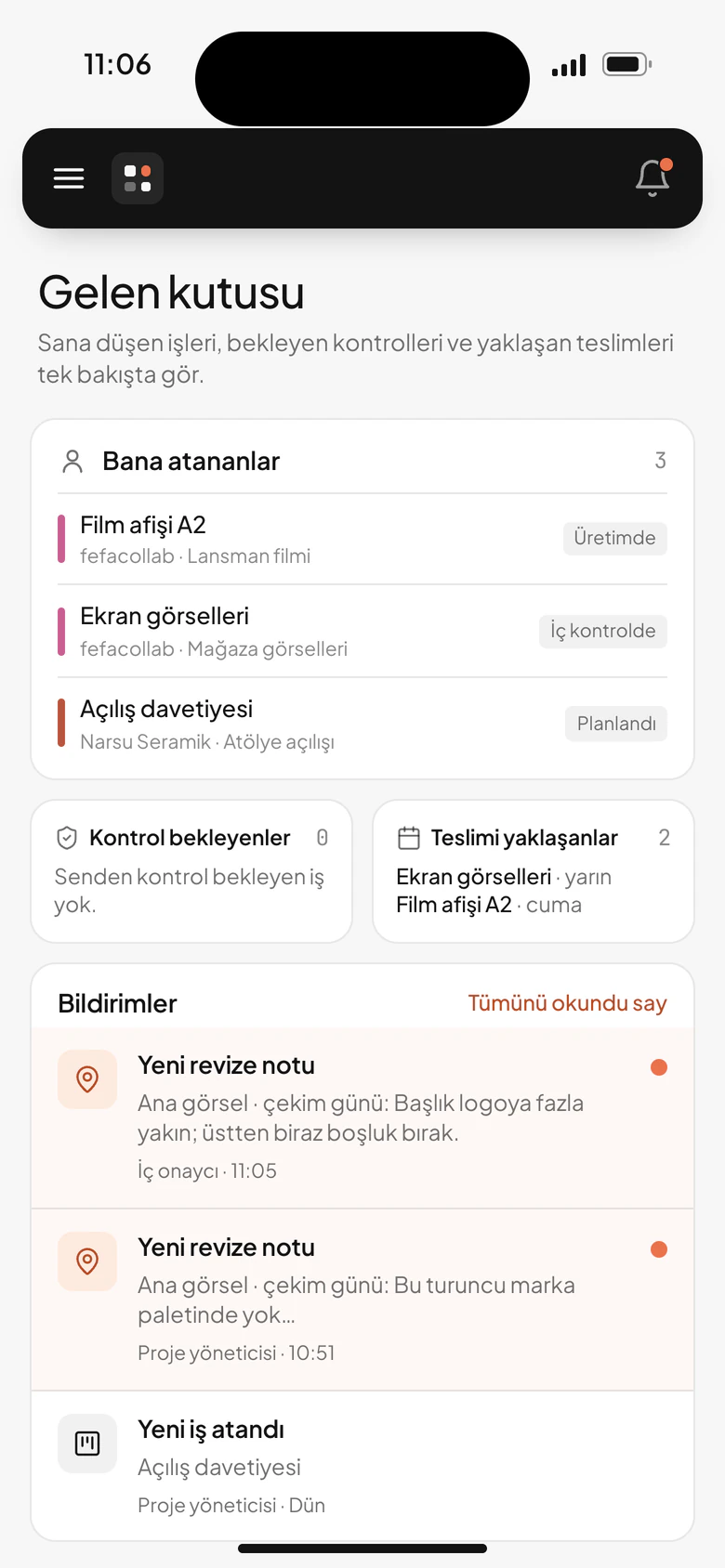
For many brands’ work, strategy, copy, design and shoots sit on one board, calendar and list; one filter is enough. A revision is picked right on the image, and the old version stays a click away with its own notes.
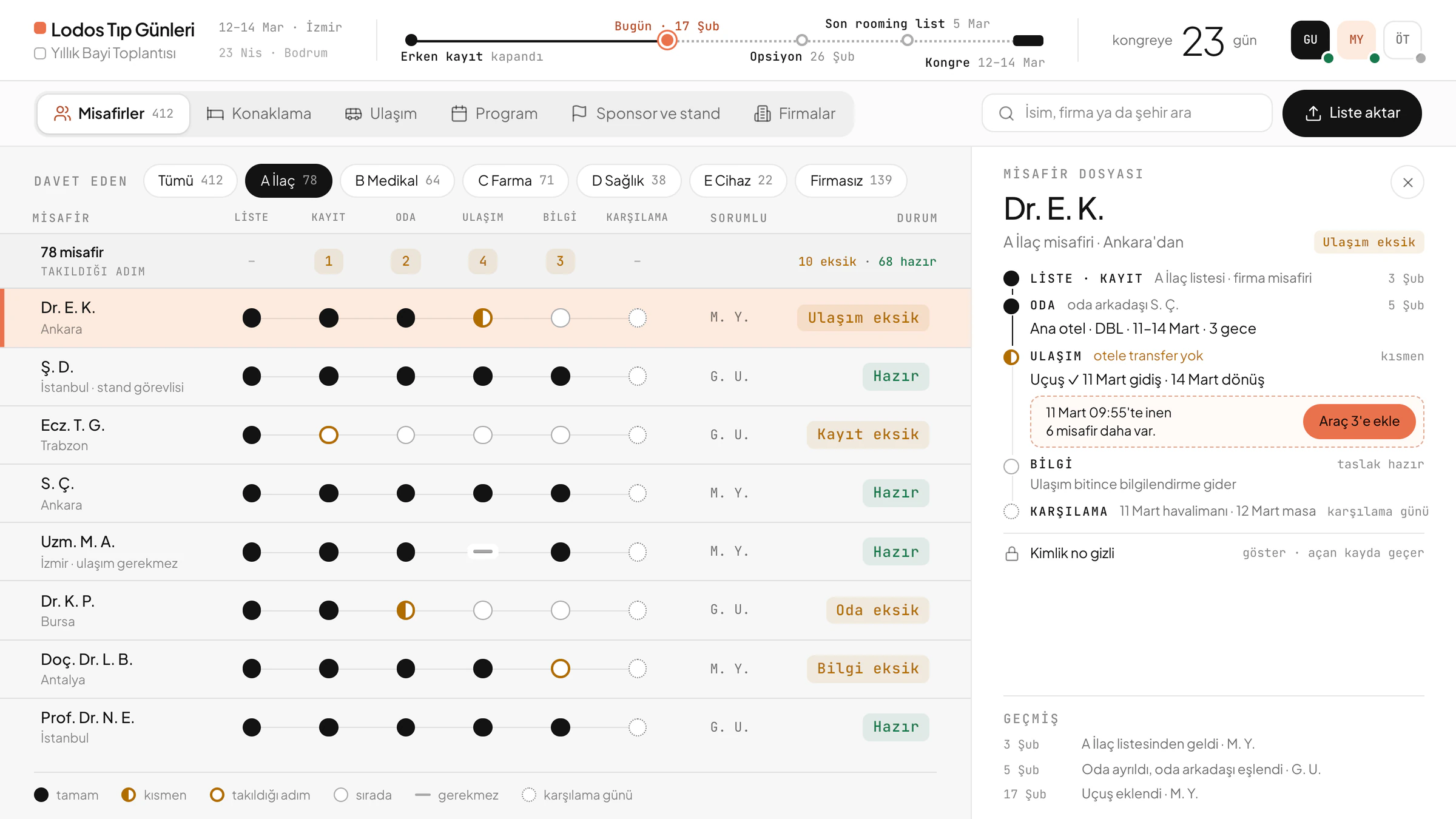
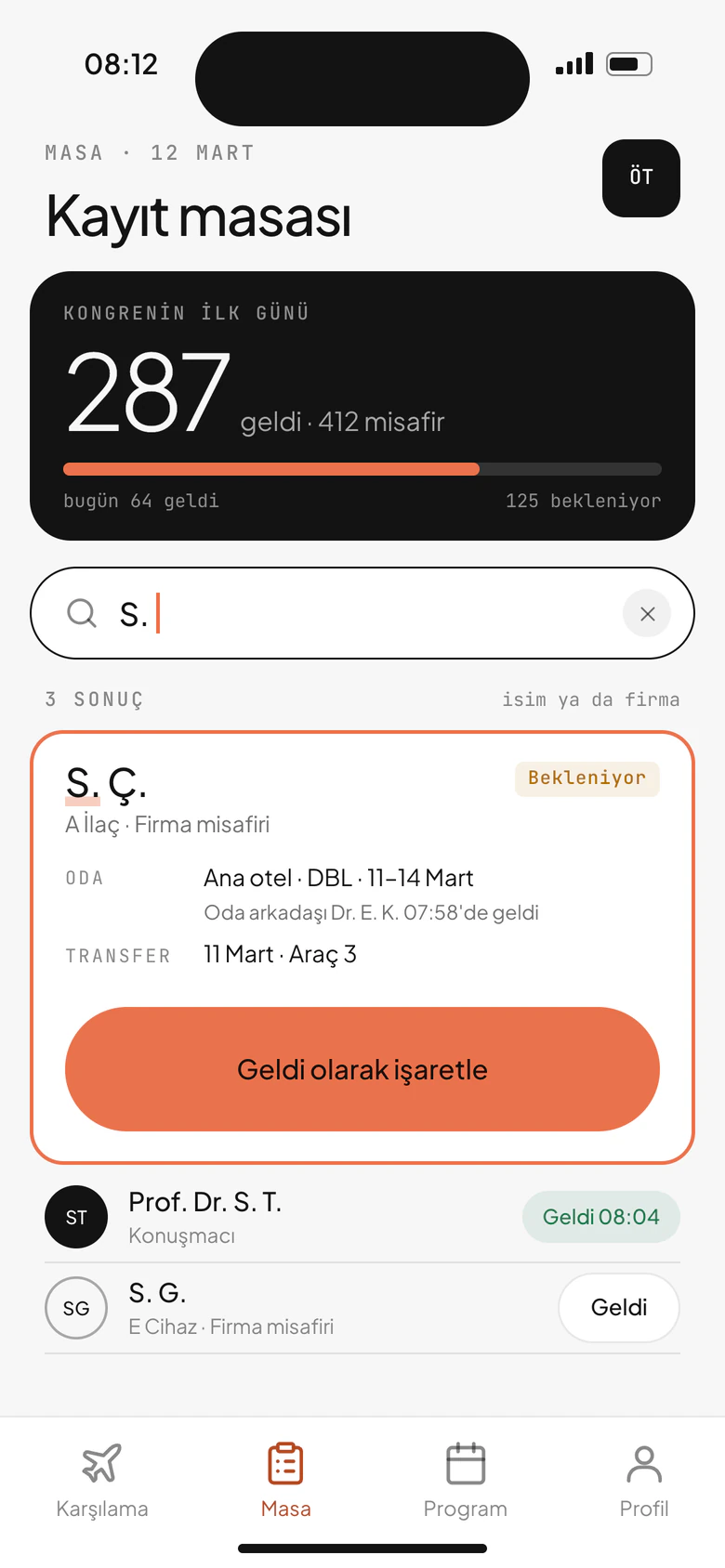
Each guest’s registration, room, travel and joining instructions sit in one file. Even when the same person turns up on two firms’ lists, the room and ticket are booked once.
The product’s own screen. The campaign shown is a sample.
Influencer collaboration ecosystem
fefacollab
Three screens, one process.
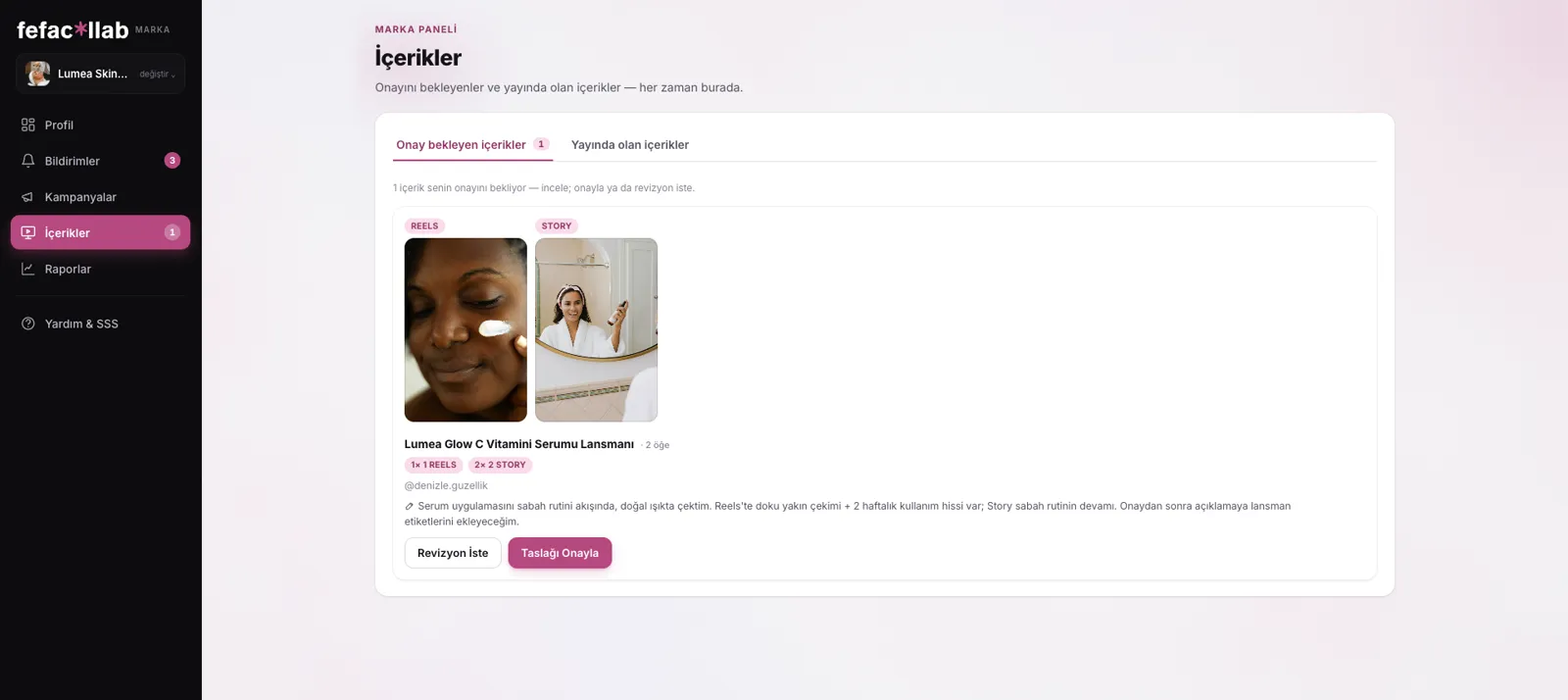
Creators apply from the mobile app, brands approve from the portal, and the fefa team runs the process from the admin panel. All three work on the same process.